
Mocha Drop
Your AI gave you a .md file,
but in TextEdit it's just a mess of symbols.
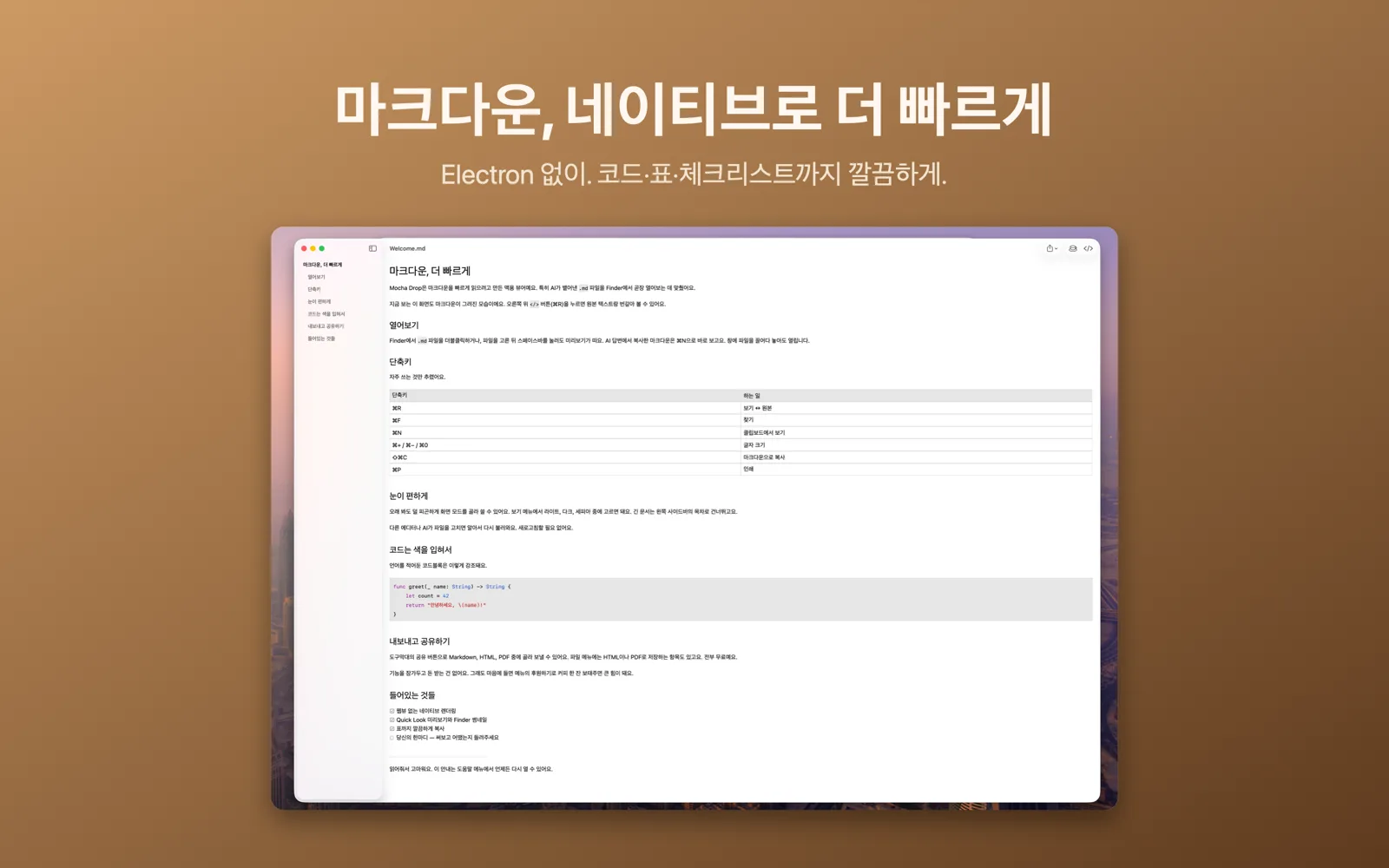
Open it in Mocha Drop and it's instantly clean and easy to read.
🍎 Requires macOS 14 Sonoma or later
What is Markdown (.md)?
It's the text format that AI tools like ChatGPT and Claude often use to organize their answers.
Open one in a plain text editor and you just see raw symbols like
# and
**, which are hard to read.
Mocha Drop reads those symbols for you and lays the document out with proper headings, lists, tables and code.
Three easy-on-the-eyes themes
Light and dark are built in, plus a warm, paper-like sepia mode — so you can read long documents comfortably, with no glare.
Paste and read instantly
Copy an answer from your AI chat, press ⌘N, and it shows up cleanly formatted — no need to save a file first.
Fast, lightweight, all free
No heavy install, no fiddly setup. Double-click to open it instantly, and every feature is free.
Refreshes on its own
When your AI or another app rewrites the file, the view updates to the latest version automatically. No need to reopen it.
Jump with the outline
Click any heading to jump straight to that part of a long document, and use ⌘F to find words.
Share as PDF or print
Turn a Markdown file into a clean PDF or printout to share with anyone — even people who do not use Markdown.
Preview in Finder
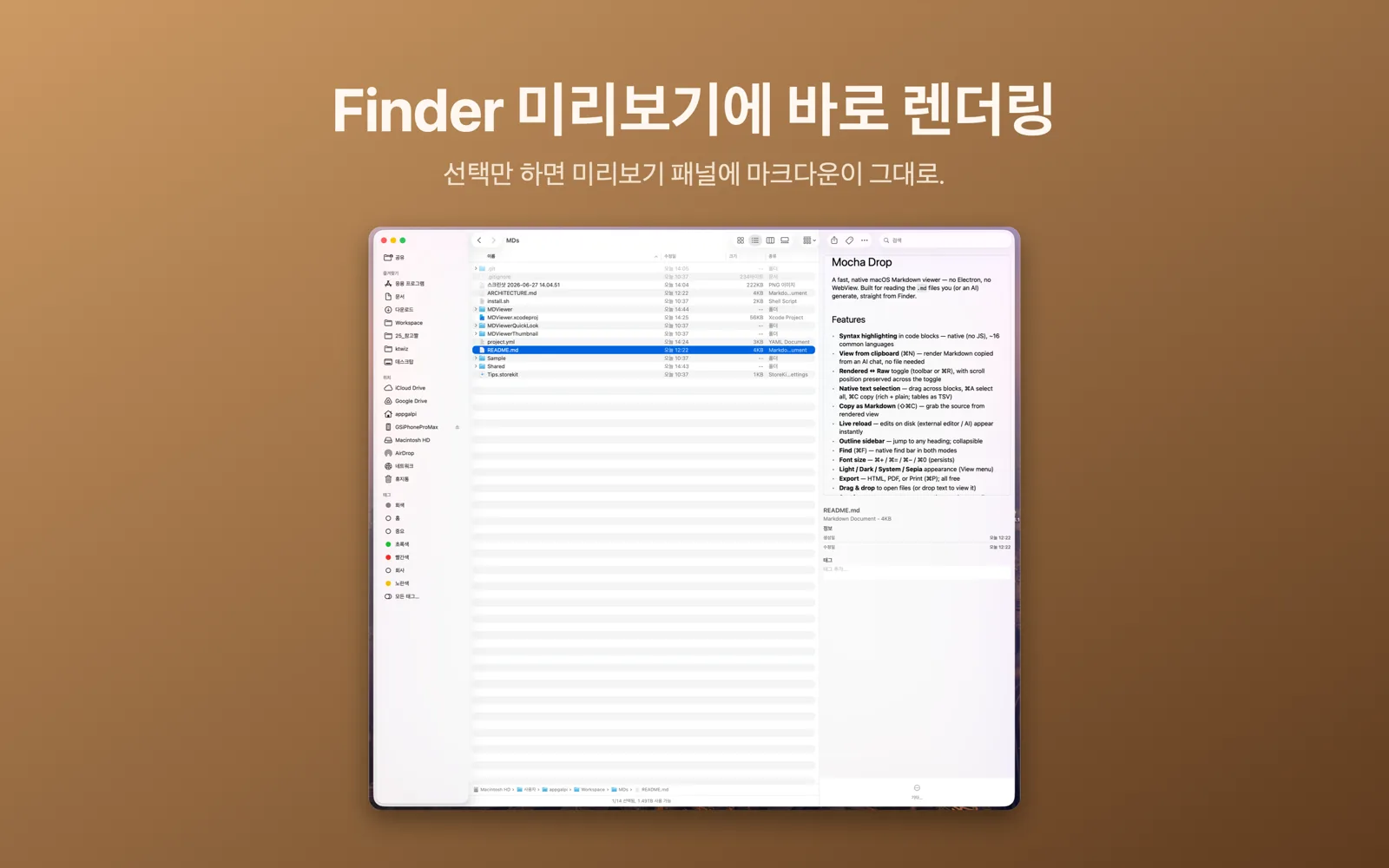
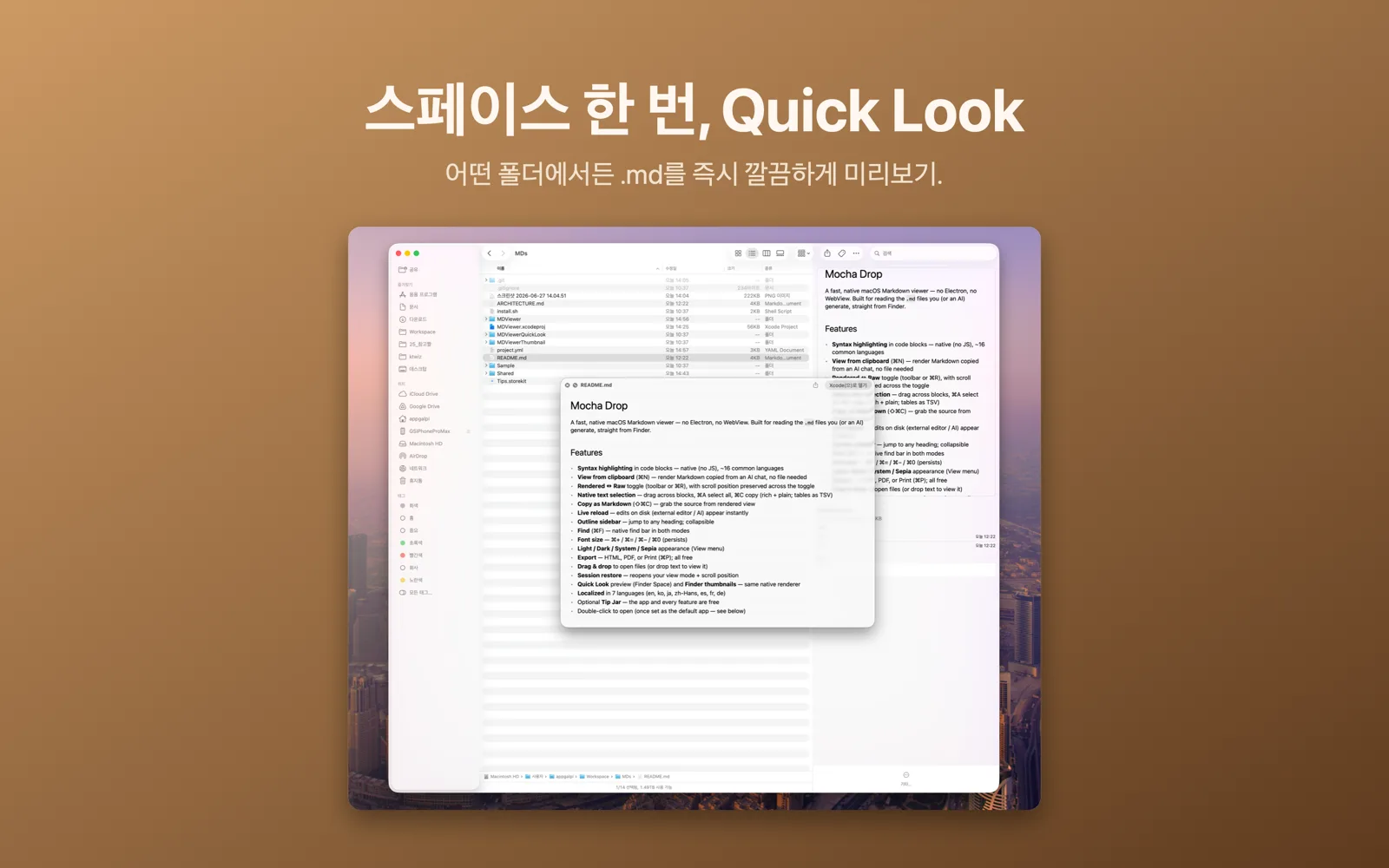
Press Space in Finder to see a nicely formatted preview without even opening the app.
Adjustable text size
Make text bigger or smaller with one shortcut, and it stays that way the next time you open a file.
Every feature is free
Every feature in Mocha Drop is free. If you like the app, you can leave an optional tip — it's purely a way to say thanks and never locks any feature. Thank you! ☕️